Starting out
Choose a surf lesson for your first day in the water
Find a first lesson whose meeting arrangements, equipment and teaching format leave you ready to learn, rather than trying to solve everything on the beach.
Starting out
A forecast helps frame questions about a session. It cannot replace current local observation or an assessment of your own ability.
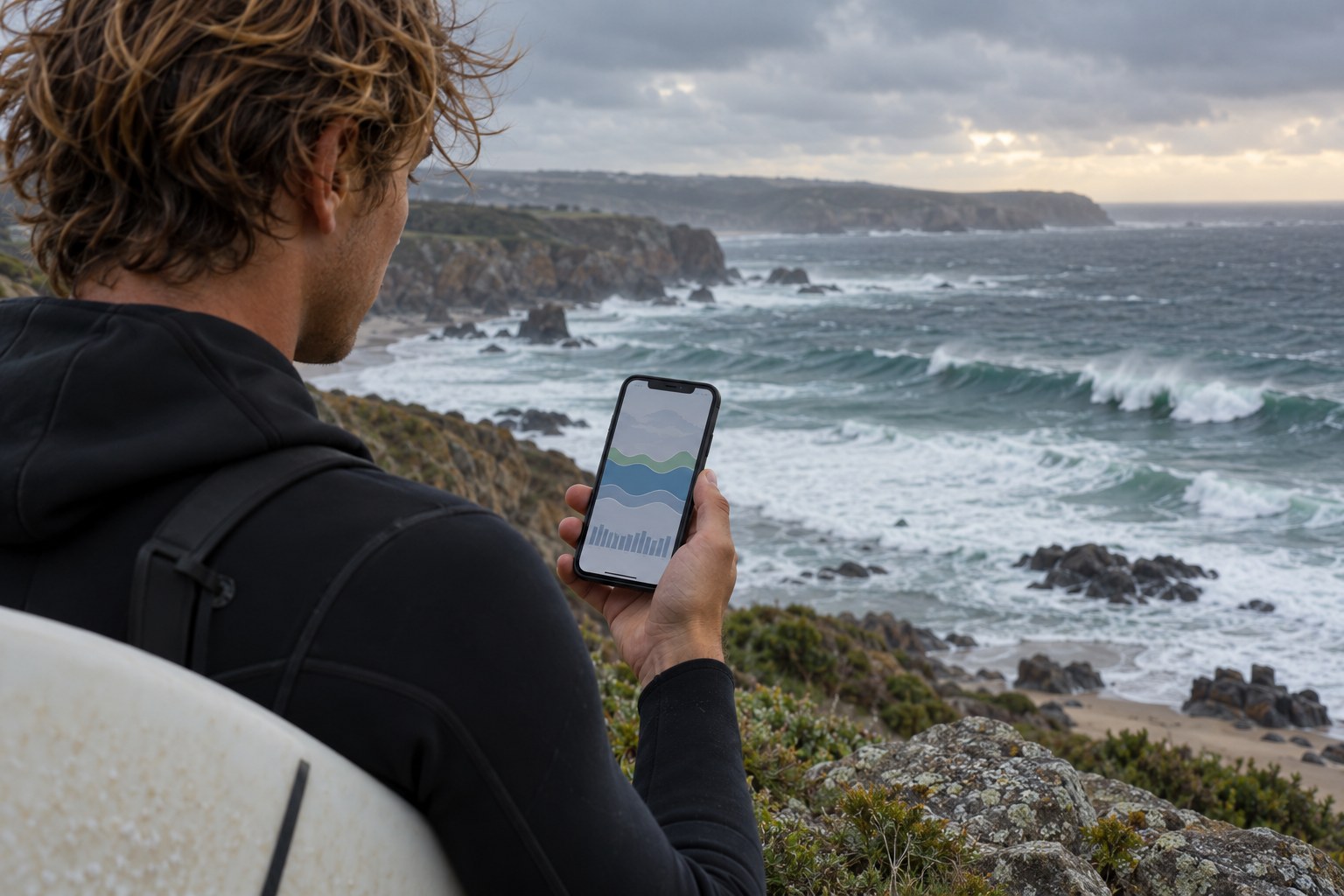
AI-generated illustration. Equipment details are illustrative; follow the instructions for your own item.
A surf forecast compresses a complicated piece of coastline into a few numbers, arrows and ratings. That makes it convenient for planning, but the convenience can hide important distinctions. Before using a forecast, identify what the service is measuring, where the prediction applies and when it was last updated.
The Met Office explains that its offshore wave information describes open water roughly one to two miles from the beach. Its significant wave height is an average of the highest third of waves, rather than a prediction that every wave will be that size. A number in an offshore forecast therefore needs interpretation before it says anything useful about a particular beach.
Look for units and definitions. A wave-height figure in metres cannot be compared directly with one in feet, and a service's surf-height estimate may differ from its offshore swell figure. Read the help page instead of assuming similarly positioned numbers mean the same thing on two apps.
Check the time zone and the forecast interval. A screenshot saved at home can be confusing after travel, especially if the app displays local time while a copied chart uses another reference. Record the forecast date and the time it covers, not just the attractive part of the graphic.
Notice whether the display includes several swell components. A headline number may summarise a more complex sea state. As a learner, you do not need to turn that display into a personal technical model. You do need to recognise when the information is beyond what you can confidently interpret and ask a qualified local instructor.
A local report, webcam and forecast are different kinds of information. A forecast predicts. A report describes an observation, possibly from an earlier time. A webcam shows a limited view that may omit the area you intend to use. Check the timestamp of each and do not assume that a live-looking image is current.
Camera perspective can make distance and wave size difficult to judge. A calm-looking corner of a bay may not show what is happening elsewhere. Use the image to understand what questions to ask, not as proof that a beginner can enter the water.
If you have booked a lesson, ask how the school will confirm the session and when it makes decisions. Do not cancel your own transport because an app changed colour unless you have also checked the booking terms and spoken with the provider. Equally, do not treat a paid reservation as evidence that conditions must suit the class.
A forecast several days ahead can help you pack clothing or keep a day flexible. It is less suited to deciding exactly what you will do in the water at a specific time. Make the later decision using current official warnings, on-site information and the instructor's assessment.
For example, a traveller may reserve a flexible lesson window on the basis that the school offers instruction that week. The school then confirms the meeting time and location closer to the day. That sequence leaves room for local judgement instead of asking the traveller to select a beach from a star rating.
Keep notes when an instructor explains why a forecast and the beach looked different. Write down the explanation as a learning example, not a permanent rule. Your goal is to become better at asking informed questions while accepting that a forecast can never guarantee a particular session.
If you are organising travel for friends, share the decision process rather than forwarding only the most encouraging screenshot. Explain when the school will confirm, which alternatives are available and what remains provisional. Otherwise, a forecast image can acquire the status of a promise as it passes between people.
Avoid repeatedly switching apps until one gives the answer you want. When services disagree, check their definitions, update times and locations first. If the difference remains unclear, take it to the instructor or use it as a reason to preserve flexibility. More screenshots do not necessarily add more certainty.
Save the source link alongside any image you keep. The live page may carry a warning, an update or an explanation that a cropped screenshot omits. Check it again before travel, then rely on current local information on arrival. This sequence makes the forecast useful at each stage without asking it to do the work of an on-site assessment.
Starting out
Find a first lesson whose meeting arrangements, equipment and teaching format leave you ready to learn, rather than trying to solve everything on the beach.

Starting out
Get clear answers about teaching, equipment and changes of plan before a surf school turns a provisional enquiry into a booking.